

Introduction
The “Get Data” function retrieves historical pricing information for a specific stock, offering a chronological record of its past market performance. This data includes opening and closing prices, high and low values, trading volumes, and other relevant metrics, enabling users to analyze trends, make informed investment decisions, and conduct thorough market research.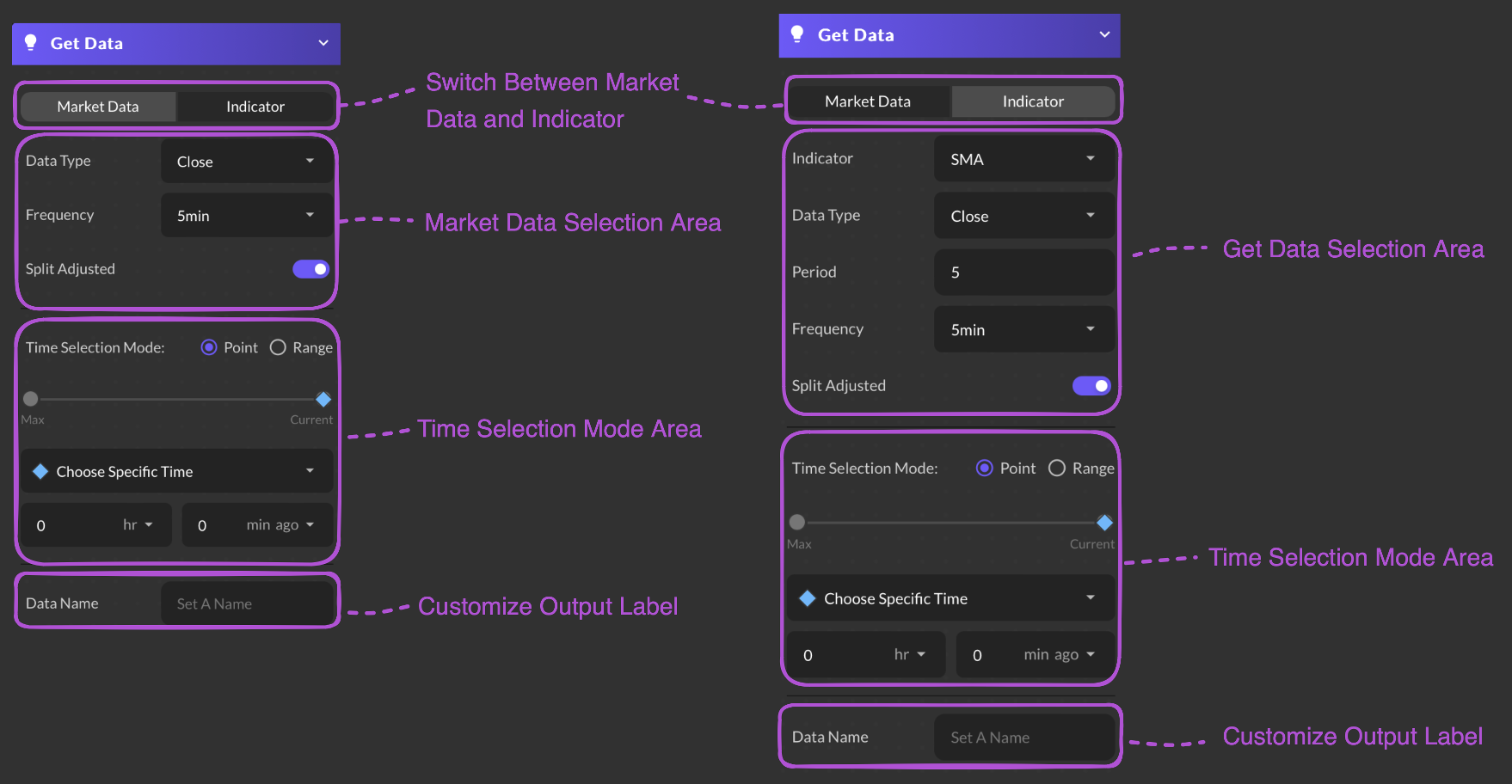
Input Parameter Example
- Market Data
- Indicator
required
Select a time point or time range
required
Select Hour and Minutes from the dropdown list. Max defaults is 250 days.
required
Users are required to provide a name for their data.